

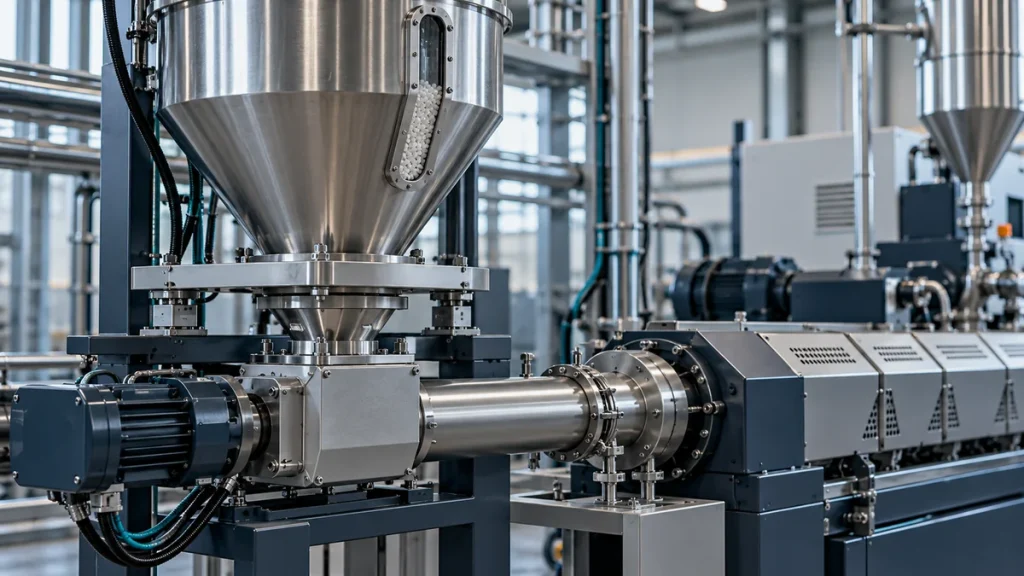
When extruder feeding becomes unstable, the first useful task is to define what “unstable” means. A fluctuating display, irregular material delivery and changing finished output are related observations, but they are not interchangeable. A good fault report records each symptom separately before someone changes several settings at once.
Identify the signal and the physical symptom
Record the feeder identifier, operating mode, material batch and time of the event. State which value moved: indicated feed rate, hopper weight, screw speed or a downstream process measurement. Add the observation that triggered the report, such as a repeated alarm or a product variation recorded by the quality team.
Coperion explains that loss-in-weight feeding depends on a weighing signal and can be affected by influences beyond screw rotation. Its pressure-compensation discussion also shows why pressure effects can matter to weighing. These are possible diagnostic categories, not proof that a particular feeder fault has one of those causes.
Put events on the same timeline
Create a short event log that connects the symptom to refill activity, material changes and other relevant plant events. Use the same clock reference for recordings and operator notes. An isolated screenshot is less useful than a short sequence showing conditions before, during and after the disturbance.
| Observation | Record to collect |
|---|---|
| Disturbance near refill | Refill start and finish times with the displayed weight trend |
| Disturbance after a material change | Batch identification and available material-condition information |
| Disturbance during another machine event | Event timestamp and relevant process trend |
Use approved viewing and recording methods. Do not remove guards, reach into a hopper or disconnect flexible connections to investigate a running feeder. Physical inspection and any maintenance work belong under the manufacturer’s procedure and the site’s safe isolation rules.
Check what changed in the operating context
Ask whether the issue began after a new material source, cleaning work, a component replacement or an altered recipe. Keep “changed” separate from “caused.” A recent event is a lead to evaluate, not enough evidence to select a repair.
Preserve the existing configuration record before an authorized adjustment. If the supplier recommends a controlled test, define the expected observation and record only the approved change. Several simultaneous changes can make a temporary improvement difficult to explain or repeat.
Send a compact supplier review package
Include the feeder model and serial number, exact alarm messages, trend files, material information and a brief event sequence. State what has already been checked and by whom. Ask the supplier to identify which additional observation would distinguish the leading explanations for this particular configuration.
Agree the success criteria for a corrective action. These might include a defined stable operating case and a repeat observation period selected with the process team. A quiet screen for a few moments should not automatically close an issue that was previously intermittent.
Close the loop in the maintenance record
After an authorized correction, keep the before-and-after evidence with the work record and note any limits on the conclusion. This helps the next shift recognize recurrence and avoids turning an unverified workaround into a permanent operating instruction.
For related equipment scope, see auxiliary machines. For a support request, use the information checklist in after-sales and spare parts so the supplier receives a clearly identified case.